Documentation
How DSUI works
Understand the workspace, adapter, and runtime model behind DSUI.
DSUI is a workspace and control plane for the services in your data stack. It does not replace those services. It connects to them, presents their useful workflows in one place, and keeps service-specific behavior inside adapters.
The product model
Your services
  ├── databases and query engines
  ├── orchestration and scheduling
  ├── transformation and modeling
  ├── object storage and files
  └── infrastructure tools
          │
          ▼
      DSUI workspace
          │
          ▼
   one place to inspect and operate them
You continue running the underlying services. DSUI gives them a consistent workspace, navigation model, and set of interaction patterns.
From configuration to workspace
dsui.yaml declares which services DSUI should load:
services:
  - id: warehouse
    adapter: postgresql
    name: Application database
    connection:
      host: postgres
      database: app
      username: ${POSTGRES_USER}
      password: ${POSTGRES_PASSWORD}
At startup, DSUI validates the configuration, loads the requested adapter, and creates an isolated context for each configured service. The browser receives the workspace description and rendered data, not the service credentials.
dsui.yaml
  -> configuration validation
  -> adapter loading
  -> service context and client
  -> pages, resources, and actions
  -> workspace in the browser
What an adapter provides
An adapter is the service-specific integration layer:
- Connection describes and validates how DSUI reaches the service.
- Context owns the configured client and service lifecycle.
- Resources read external data and declare refresh behavior.
- Actions perform commands or mutations and invalidate changed resources.
- Stores hold adapter or page state, including state that must persist.
- Pages compose the shared DSUI components into useful workflows.
The Adapter SDK keeps these responsibilities explicit so a new integration does not need to build a separate frontend, routing system, or state framework.
Request and security boundary
Browser
  -> DSUI server
  -> isolated adapter host
  -> adapter context and service client
  -> external service
Resources and actions execute on the server. Credentials stay in the server configuration or environment and are never part of the browser page model. Adapters may be isolated in a separate host process, so one adapter request does not rely on in-memory state from another request. Persistent adapter state must use a persistent store supplied by the runtime.
Choosing the right primitive
| Need | Use |
|---|---|
| Read data from a service | Resource |
| Run a command or mutation | Action |
| Keep filters, selections, or session state | Store |
| Build a navigable workflow | Page |
| Add a reusable visual interaction | Shared or browser component |
Start with the adapter SDK overview, or follow the quickstart to see the workspace running.
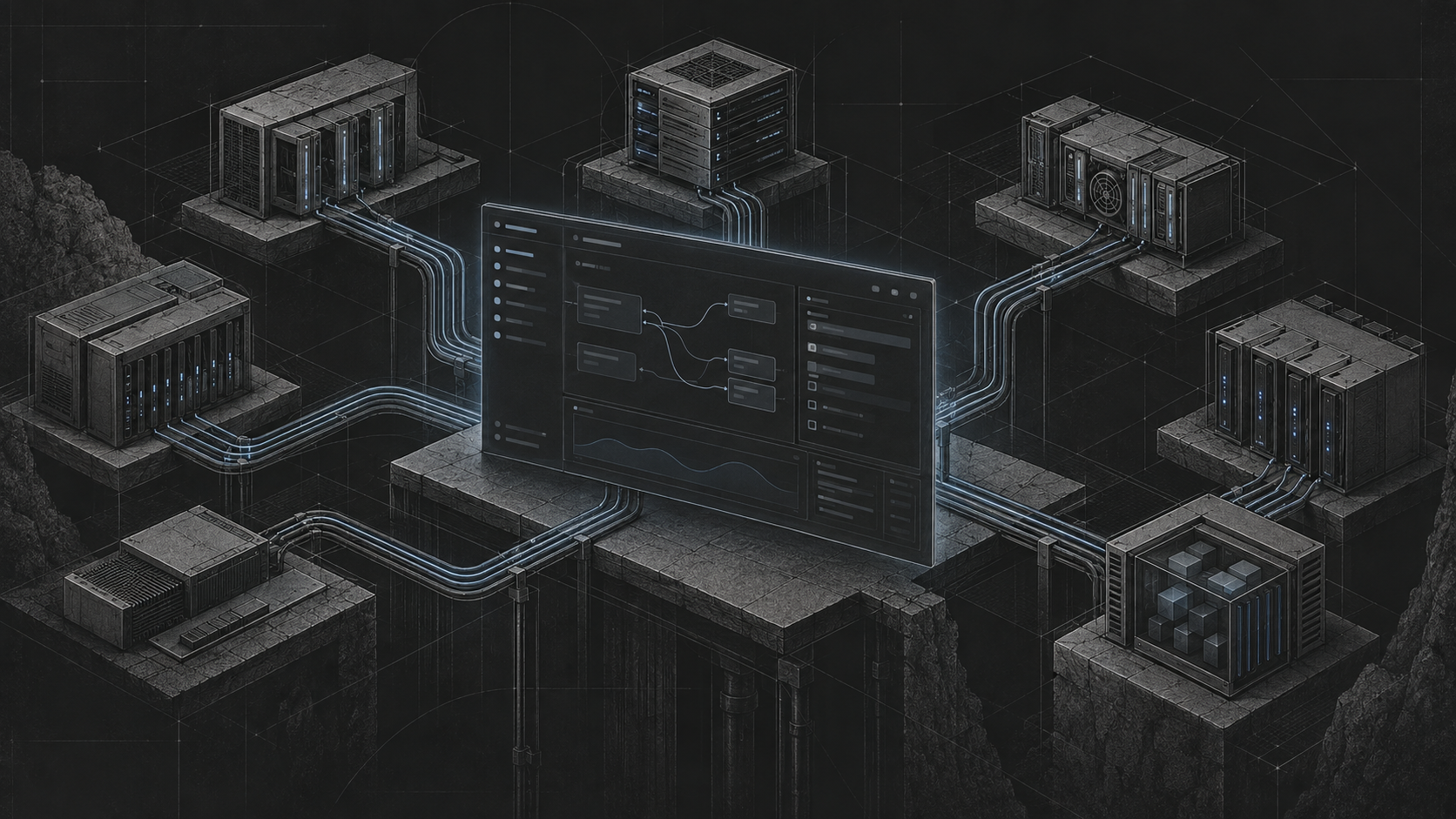
The browser only talks to DSUI. Credentials and service clients remain on the server side of this boundary.