Documentation
DSUI Developer Preview
One workspace for the data and infrastructure services you already run.
Developer Preview
DSUI is under active development. Expect breaking changes, incomplete adapter coverage, and bugs.
DSUI gives your data stack one workspace. Connect the databases, orchestration tools, transformation services, storage systems, and infrastructure you already run. Inspect what is happening and use the workflows that matter without adding a separate admin UI for every service.
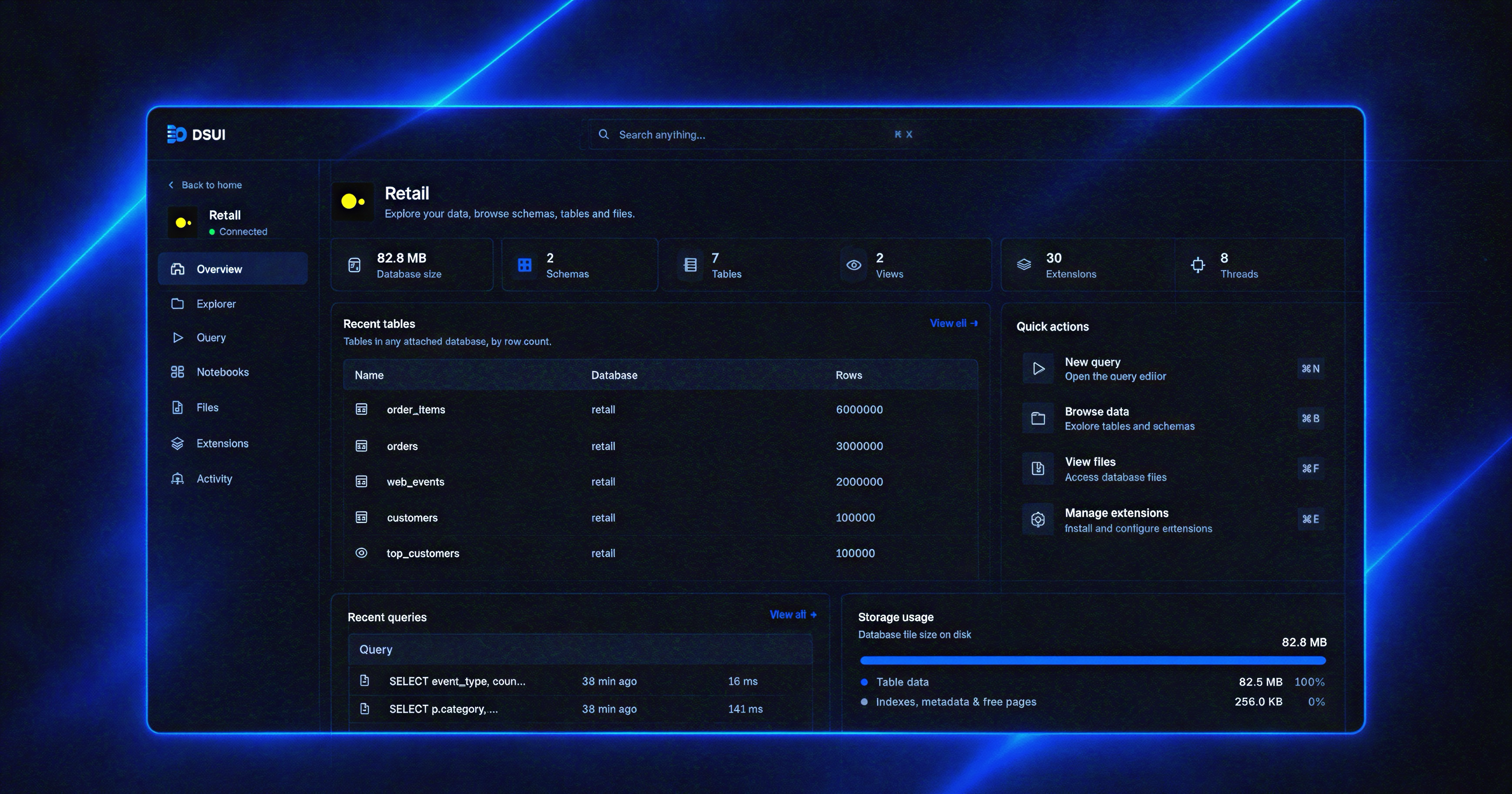
Start here
Run DSUI with npx and connect an in-memory DuckDB workspace in a few minutes. Choose Docker when you need isolation or are already running the rest of your stack in Compose.

Why DSUI
A data stack is often a stack of separate web consoles. Postgres wants pgAdmin, MinIO wants its console, DuckDB wants a SQL client, and Airflow runs its own webserver. Each one adds a container, a port, credentials, and another place for operators to learn.
DSUI brings those workflows into one interface. You still run your services — Postgres, MinIO, Airflow, dbt, and others — but you do not need a separate admin UI for each one.
Before, every service carries its own interface:
services:
  postgres:
    image: postgres:16
  pgadmin:
    image: dpage/pgadmin4
    ports: ["5050:80"]
  minio:
    image: minio/minio
    ports: ["9000:9000", "9001:9001"]
After, one container and one file:
services:
  dsui:
    image: ghcr.io/northgraindata/dsui:latest
    ports: ["4192:4192"]
    volumes:
      - ./dsui.yaml:/etc/dsui/dsui.yaml:ro
      - dsui-data:/data
  postgres:
    image: postgres:16
  minio:
    image: minio/minio
# dsui.yaml
services:
- id: warehouse
adapter: postgresql
name: Postgres
connection:
host: postgres
database: app
- id: storage
adapter: s3
name: MinIO
connection:
endpoint: http://minio:9000
forcePathStyle: trueOne port, one place to look. The configuration is declarative, runs the same way every time, and keeps credentials on the server.
What DSUI provides
- One workspace for multiple services
- Declarative connections from
dsui.yaml - Server-side execution and credential handling
- Consistent resources, actions, pages, and workflows
- Built-in adapters for common data-stack services
- An Adapter SDK for extending the workspace
If a service is not supported yet, teams can build a private adapter around its API and use the same DSUI primitives. This is an extension path, not a requirement for using the built-in adapters.
Current status
- Local-first, self-hosted Developer Preview
- Partial adapter coverage
- Breaking changes between preview releases are possible
- Enterprise features and hosted control planes are not included yet