getting started
Quickstart
Run DSUI locally with npx, open a DuckDB workspace, and see your first result.
Developer Preview
DSUI is changing quickly. This first-run path uses npx because it is the shortest way to try the workspace on a local machine. Docker is available below when you need an isolated deployment.
1. Run DSUI with npx
Create an empty directory for the example, then add a local configuration file:
mkdir dsui-quickstart
cd dsui-quickstart
Create dsui.yaml:
services:
  - id: local-duckdb
    adapter: duckdb
    name: Local DuckDB
    connection:
      method: memory
      readOnly: false
Start DSUI from that directory:
npx @northgraindata/dsuiThe CLI prints http://0.0.0.0:4192 when it is ready. Open
http://localhost:4192 in your browser. DSUI loads dsui.yaml from the
current directory and keeps its local state in ~/.local/share/dsui.
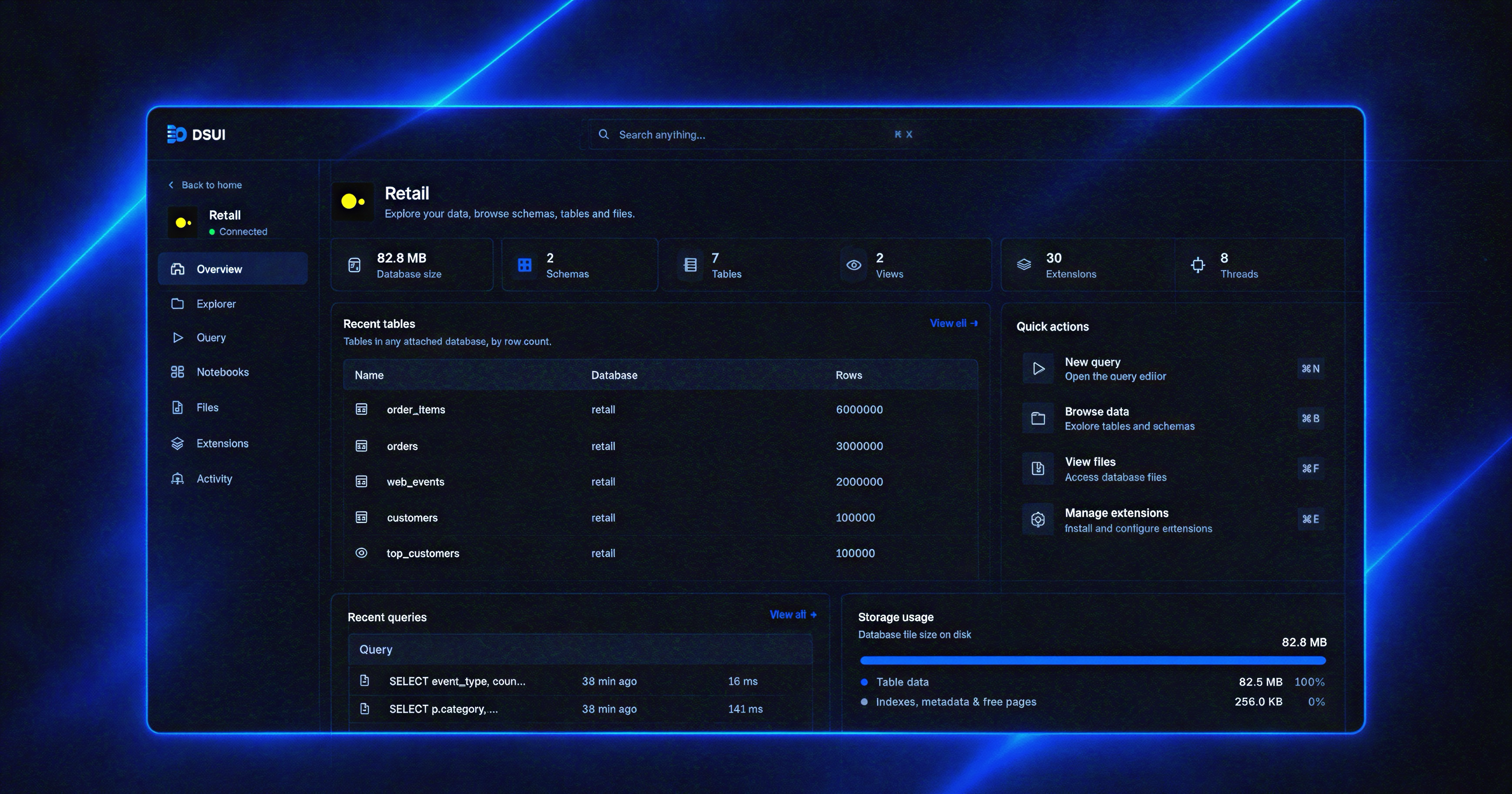
2. See the first result
Select Local DuckDB, open Query, and run:
select 42 as answer;The result should contain one row with 42. This confirms that the CLI,
configuration loader, bundled DuckDB adapter, server, and browser workspace are
all working together.
Stop DSUI with Ctrl+C. Run the same npx command again from the directory to
reopen the workspace. DSUI stores its generated local encryption key alongside
the runtime data, so saved UI-managed connections remain available after a
restart.
Docker alternative
Choose Docker when you want an isolated, reproducible deployment or are already running the rest of your stack in Compose. If an adapter requires an executable or runtime, provide it in the image used to run DSUI. See the installation guide for the runtime boundary.
The Docker example uses a file-backed DuckDB database in a persistent volume.
Create dsui.yaml:
services:
  - id: warehouse
    adapter: duckdb
    name: Analytics warehouse
    connection:
      method: file
      path: /data/warehouse.duckdb
Create compose.yaml next to it:
services:
  dsui:
    image: ghcr.io/northgraindata/dsui:latest
    ports:
      - "4192:4192"
    environment:
      DSUI_CONFIG: /etc/dsui/dsui.yaml
    volumes:
      - ./dsui.yaml:/etc/dsui/dsui.yaml:ro
      - dsui-data:/data

volumes:
  dsui-data:
Start DSUI:
docker compose up -dOpen the workspace:
Open http://localhost:4192.
Expected Docker result
DSUI opens with the Analytics warehouse service. Open it, go to Query, run select 42 as answer, and see one row with 42.
This example uses DuckDB because it needs no external database. The same
services configuration model supports PostgreSQL, Airflow, dbt, S3, and other
adapters. Continue to configuration when
you are ready to connect an existing stack.
The database file lives in the /data volume and persists across restarts.
Next: read how DSUI works, learn configuration, or choose a service from the adapter catalog.